Coze
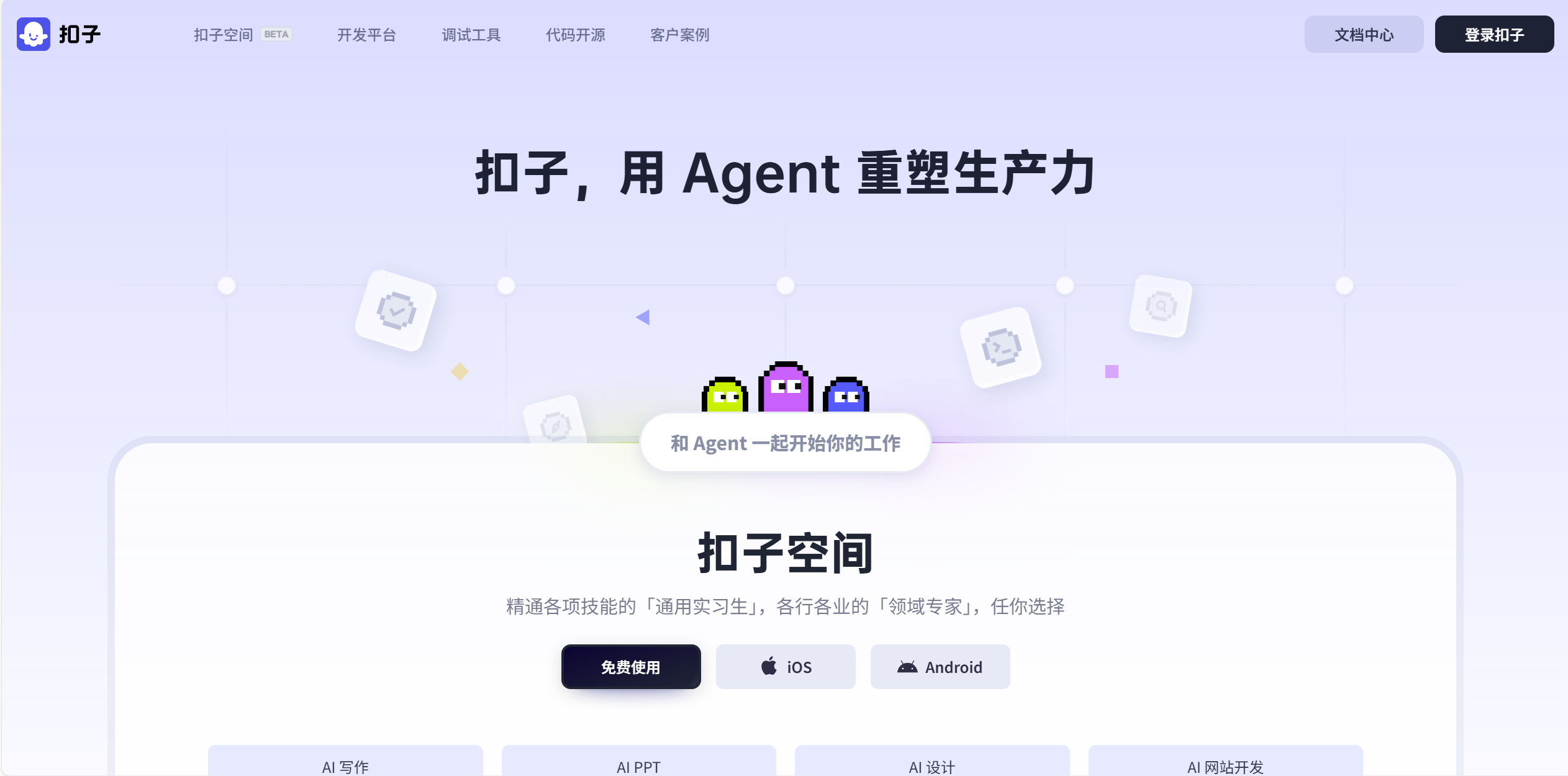
Coze is an all-in-one AI agent development tool, used for AI Agents/Chatbots/RAG AI DevOps . Coze is an intelligent AI application development and collaboration platform that supports efficient creation and deployment of AI apps.
Prepare
When referring to this document to use Coze, please read and ensure the following points:
-
Login to Websoft9 Console and find or install Coze:
- Go to My Apps listing applications
- Go to App Store installing target application
-
This application is installed by Websoft9 console.
-
The purpose of this application complies with the apache2 open source license agreement.
-
Configure the domain name or server security group opens external network ports for application access.
Getting started
Initial setup
-
When completed installation of Coze at Websoft9 Console, get the applicaiton's Overview and Access information from My Apps
-
Complete the install wizard step by step
Setting Up AI Models
The Coze installed via the Websoft9 console cannot yet utilize its core functionality. Follow these steps:
-
Orchestrate the HuggingChat application, edit the
.envfile, and set the following variables (using the Deepseek model as an example):MODEL_PROTOCOL_0=“ark”
MODEL_OPENCOZE_ID_0="100001"
MODEL_NAME_0="deepseek" # Model name (customizable)
MODEL_ID_0="deepseek-reasoner" # Model ID provided by the vendor
MODEL_API_KEY_0=“sk-xxxxxxxxxxxxxxxxxxxxxxx” # API key
MODEL_BASE_URL_0="https://api.deepseek.com" # Model base URL -
After rebuilding the application, create an AI agent to begin operations.